Smartphone Product Photography: 7 Tips for Professional Advertising Images 2027
Professional Advertising Photography with Your Mobile Phone In today’s digital age, more brands and creators are turning to mobile advertising photography to showcase their products. With smartphone cameras becoming increasingly powerful, taking high-quality product photos with a phone is no longer


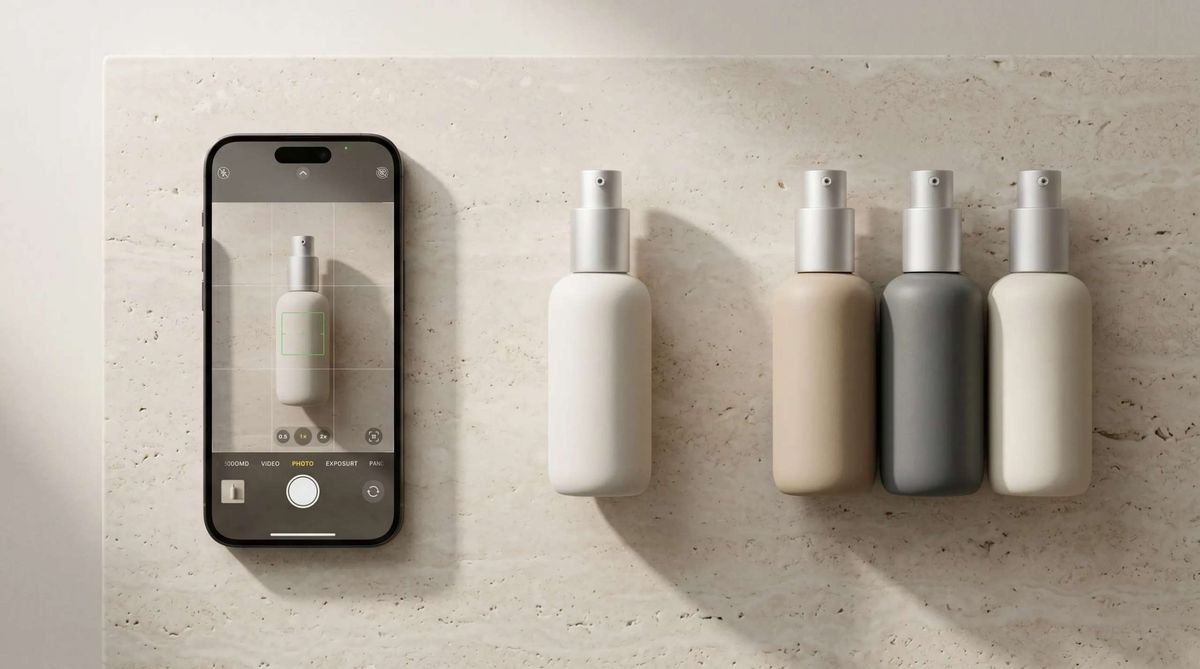
Imagine running a business that's about to launch a new product. You take a few photos with your smartphone, experiment with lighting and angles, and prepare the images for social media. This approach works well for everyday content creation, but when it comes to a major advertising campaign or presenting a brand professionally, image quality becomes even more important.
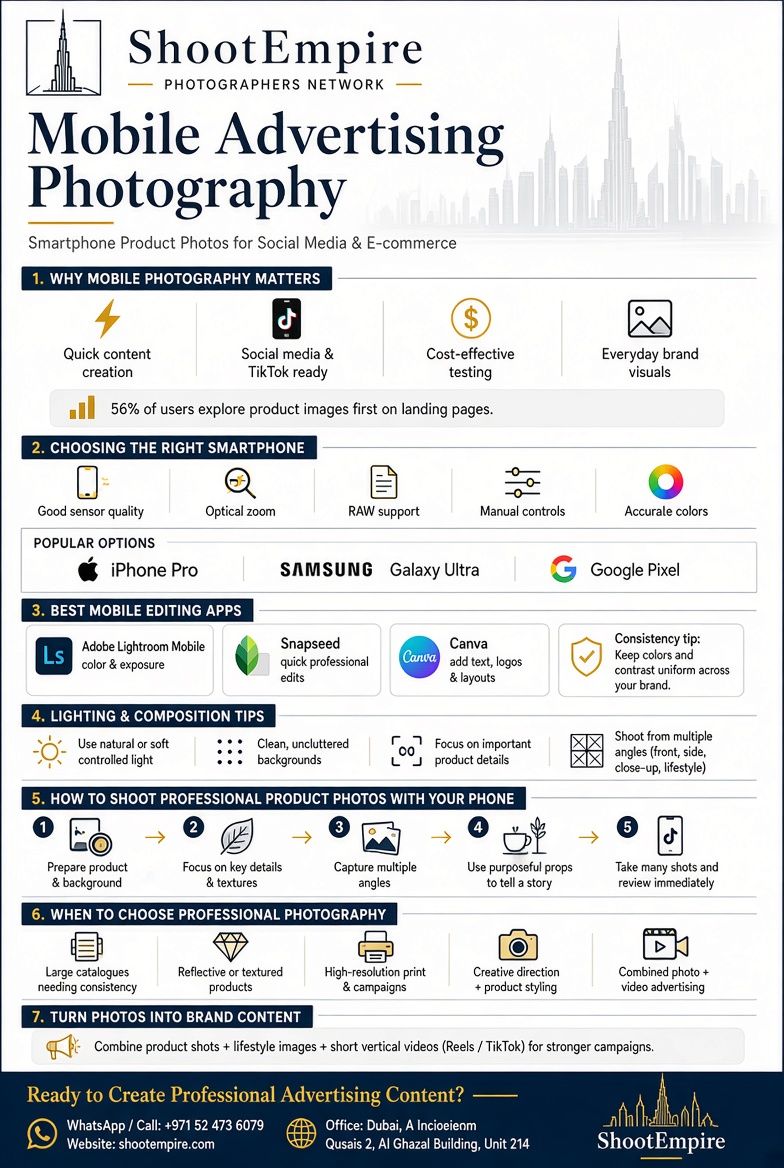
In today's competitive digital marketplace, product images play an important role in attracting customers. According to Baymard Institute's e-commerce usability research, 56% of users' first actions after landing on a product page were to explore its images. This highlights the importance of visual content in shaping the online shopping experience.
Mobile advertising photography gives businesses an accessible way to create attractive product images for social media and online stores without investing in expensive equipment. However, larger advertising projects may require professional equipment, advanced lighting, and creative direction.
In this guide, we'll explore practical smartphone photography techniques, lighting and composition principles, and useful editing tools. We'll also explain when mobile photography is sufficient and when booking a professional advertising photographer is a better choice.
Table of Contents
- Why Mobile Photography Has Become Important for Advertising
- Choosing the Right Smartphone for Advertising Photography
- Best Mobile Apps for Product Photo Editing
- Lighting and Composition Tips for Better Smartphone Photography
- How to Take Professional Product Photos with Your Phone
- When Should You Choose Professional Advertising Photography?
- Turn Your Product Photography into Engaging Brand Content
- FAQ
- Conclusion
1- Why Mobile Photography Has Become Important for Advertising

Social media has changed how businesses communicate with their audiences. Brands need fresh images regularly, whether they are promoting a new product, updating an online store, or preparing content for Instagram and TikTok.
Smartphone photography makes this process more accessible. Instead of arranging a full production every time a brand needs new content, businesses can use their phones to capture behind-the-scenes moments, product details, and everyday promotional images.
Some of the main advantages include:
Lower production costs
You can create basic marketing content without purchasing professional camera equipment.
Faster content creation
Capture and edit images without waiting for a separate production schedule.
Creative flexibility
Experiment with different backgrounds, angles, and lighting conditions.
Social media compatibility
Shoot, edit, and publish content using the same device.
Quick campaign testing
Try different product visuals before investing in a larger advertising campaign.
That said, mobile photography has its limitations. Large advertising campaigns, high-end product photography, and commercial projects that require consistent lighting or advanced retouching may benefit from professional equipment and an experienced photographer.
2- Choosing the Right Smartphone for Advertising Photography
You don't necessarily need the latest flagship phone to take attractive product photos. What matters more is understanding your camera's capabilities and knowing which features support your photography style.
When comparing smartphones for commercial photography, pay attention to these features:
Camera sensor quality
A larger, capable sensor generally performs better in challenging lighting conditions.
Optical zoom
Optical zoom helps capture details without the quality loss associated with digital zoom.
Dynamic range
Good dynamic range preserves detail in both bright and dark areas.
Manual camera controls
Adjusting exposure, focus, and white balance gives you greater creative control.
RAW support
RAW files provide more flexibility when adjusting colours, highlights, and shadows during editing.
Popular smartphone ranges from Apple, Samsung, Google, Xiaomi, and OnePlus offer different combinations of these features.
Before purchasing a new phone, consider what you photograph most often. A business selling Jewelry may need detailed close-ups, while a clothing brand may benefit more from accurate colors and versatile lenses.
3- Best Mobile Apps for Product Photo Editing
Taking the photograph is only one part of the process. Editing helps you refine the image, correct exposure, maintain consistent colors, and prepare content for different advertising platforms.
Here are four useful mobile editing applications:
Adobe Lightroom Mobile
A strong option for adjusting exposure, contrast, white balance, and color tones. It also supports RAW editing, making it useful for more detailed adjustments.
Snapseed
A free editing application with tools for selective adjustments, perspective correction, and basic retouching. It's particularly useful for quick product edits.
VSCO
Useful for brands that want to maintain a consistent visual identity across their social media content. Its filters and color adjustments can help establish a Recognizable aesthetic.
Canva
Best suited to the design stage rather than detailed photo editing. You can use it to add promotional text, logos, layouts, and other graphic elements to your product images.
One important rule: don't edit every image differently. Consistent colors, brightness, and contrast help create a more professional-looking brand identity.
4- Lighting and Composition Tips for Better Smartphone Photography

Even an advanced smartphone camera cannot compensate for poor lighting or an untidy composition. These two elements often have a greater impact on the final image than the phone model itself.
Make the Most of Natural Light
Natural light is one of the easiest ways to improve mobile product photography. Place your product near a window and allow soft daylight to illuminate its surface.
Avoid direct sunlight when it creates harsh shadows or unwanted reflections. If the light is too strong, use a sheer curtain or diffuser to soften it.
For indoor photography, an LED light or a simple reflector can help create more controlled lighting.
Keep Your Composition Simple
The product should remain the main subject of the photograph. Too many props, colors, or background elements can distract viewers from what you're trying to promote.
Try these composition techniques:
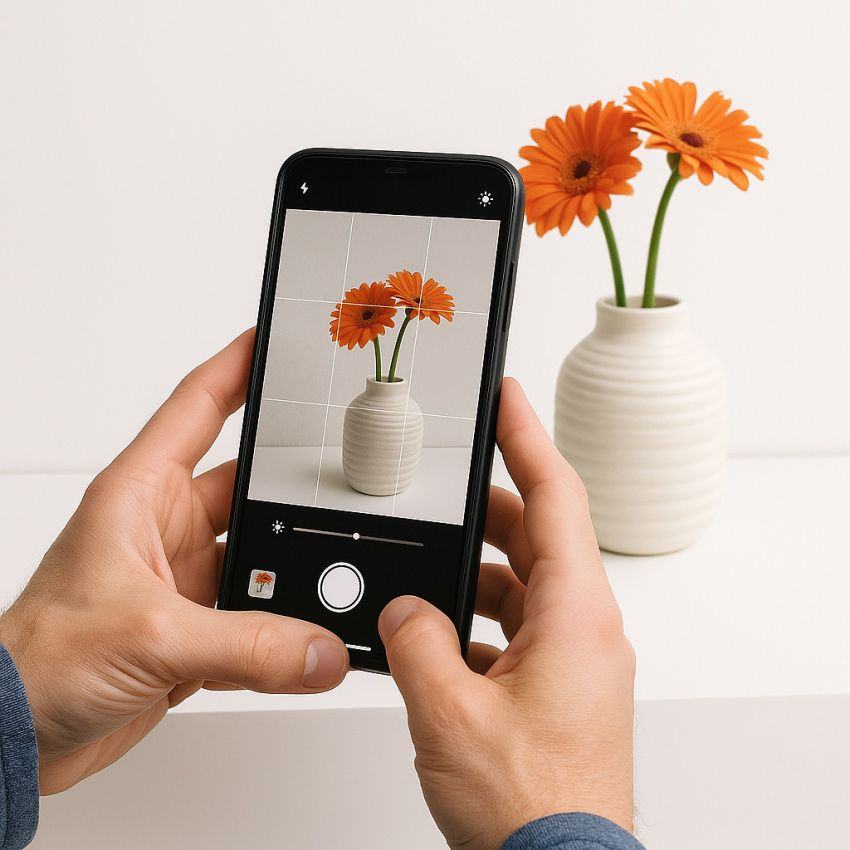
- Use the rule of thirds to create a balanced frame.
- Leave enough negative space around the product.
- Choose backgrounds that complement the product's colors.
- Experiment with close-up and wider compositions.
- Keep unnecessary objects outside the frame.
Stabilize Your Smartphone
Small movements can make product details look blurry, especially in low-light conditions. A tripod or smartphone stand can help keep your camera steady and make it easier to capture consistent images.
Also, clean your camera lens before every shoot. Fingerprints and dust can reduce sharpness and affect the overall appearance of your photos.
5- How to Take Professional Product Photos with Your Phone
A successful product photograph should do more than show what an item looks like. It should help potential customers understand its features, quality, and appeal.
Follow these steps to create more effective smartphone product photos.
1. Prepare Your Product and Background
Before taking pictures, clean the product and remove any dust, fingerprints, or unwanted packaging details.
Choose a background that suits the product. Neutral backgrounds work well for e-commerce images, while lifestyle settings can help communicate how a product fits into everyday life.
2. Focus on the Most Important Details
Tap the screen to focus on your product before taking the photograph. Pay particular attention to textures, labels, materials, and distinctive design features.
For products such as jewelry, cosmetics, and accessories, close-up shots can help customers notice details they might otherwise miss.
3. Photograph the Product from Different Angles
One photograph rarely communicates everything a customer needs to know.
Try capturing:
- Front-facing product shots.
- Side and angled views.
- Close-ups of important details.
- Lifestyle images showing the product in use.
- Different compositions for social media advertisements.
This variety also gives you more options when creating product pages, promotional campaigns, and social media posts.
4. Use Props to Tell a Story
Props can make product photographs more interesting, but they should always have a purpose.
For example, a skincare product might be photographed alongside natural ingredients, while a coffee brand could use cups, beans, and warm textures to create a more inviting setting.
Think about the message you want the image to communicate before adding anything to the frame.
5. Capture More Than One Shot
Take several photographs of each setup. Slight changes in camera position, exposure, or product placement can make a noticeable difference.
Review your images before moving on to the next setup. This helps you identify blurred details, distracting reflections, or unwanted shadows while you still have the opportunity to correct them.
6- When Should You Choose Professional Advertising Photography?
Smartphone photography is an excellent starting point, but it isn't always the right solution for every business.
If you're preparing a product launch, building a brand identity, or creating a large advertising campaign, professional photography can provide greater control over the final result.
A professional shoot may be the better choice when you need:
- Consistent product images across a large catalogue.
- Advanced lighting for reflective or textured products.
- High-resolution images for print and large-format advertising.
- Creative direction and professional product styling.
- Commercial images that follow specific brand guidelines.
- A combination of photography and video for advertising campaigns.
For businesses operating in Dubai and Abu Dhabi, professional commercial photography can also help create a consistent visual identity across websites, digital advertisements, and social media platforms.
If you're planning a campaign that needs more than individual product shots, explore ShootEmpire's Advertising & Campaign Photography services.
7- Turn Your Product Photography into Engaging Brand Content
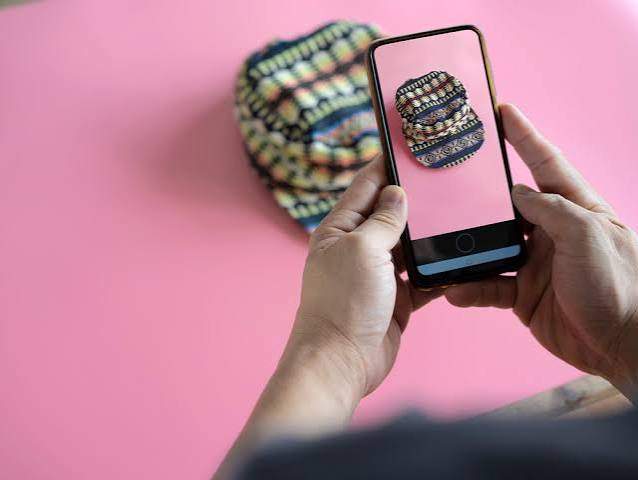
A strong advertising strategy rarely depends on photographs alone. Brands increasingly combine product images, lifestyle photography, and short-form videos to communicate their message across different platforms.
For example, a product launch might include:
- Professional product photographs for an e-commerce website.
- Lifestyle images for Instagram and other social platforms.
- Short vertical videos for Reels and TikTok.
- Branding photographs that establish a consistent visual identity.
If you're building a more recognizable brand, branding photography can help create a consistent visual style.
8- FAQ
1. Can you take professional advertising photos with a smartphone?
Yes. Modern smartphones can capture high-quality advertising photos when you use proper lighting, composition, and editing techniques. They are particularly useful for social media content and small business promotions.
2. What is the best smartphone for product photography?
The iPhone Pro, Samsung Galaxy Ultra, and Google Pixel series are popular choices for product photography. Look for features such as good sensor quality, optical zoom, RAW support, and manual camera controls.
3. How can I make my phone product photos look professional?
Use natural or controlled lighting, choose a clean background, keep your camera steady, and experiment with different angles. Editing applications such as Lightroom Mobile and Snapseed can also help improve the final image.
4. Which mobile app is best for advertising photo editing?
Adobe Lightroom Mobile is a strong choice for detailed color and exposure adjustments. Snapseed is useful for quick edits, while Canva works well for adding promotional text and graphic elements.
5. Is mobile photography suitable for e-commerce businesses?
Yes. Mobile photography can be effective for creating product images for online stores, particularly when products are photographed against clean backgrounds with consistent lighting and accurate colors.
6. When should a business hire a professional advertising photographer?
Professional advertising photography is recommended for major product launches, large commercial campaigns, high-resolution print materials, and projects that require advanced lighting, styling, and consistent brand visuals.
7. Can smartphone photography replace professional commercial photography?
Not entirely. Smartphones are suitable for many everyday marketing needs, but professional commercial photography offers greater control over lighting, image quality, creative direction, and production consistency.
9- Conclusion
Mobile advertising photography has made professional-looking visual content more accessible to businesses of all sizes. With a capable smartphone, good lighting, thoughtful composition, and consistent editing, you can create attractive product images that support your marketing activities without investing in a complete photography setup.
However, the right approach depends on your goals. Smartphone photography works well for everyday social media content and simple promotional images, while larger advertising campaigns often require professional lighting, creative direction, product styling, and high-quality production.
Ultimately, effective advertising photography is not just about having the best camera. It's about presenting your product in a way that communicates its value, reflects your brand identity, and encourages customers to take action.
Ready to Create Professional Advertising Content?
Looking for professional advertising photography that makes your products stand out?
From product photography to complete advertising campaigns, ShootEmpire connects businesses with professional photographers and videographers.
Share your project requirements, preferred location, and creative direction. Our team will help you find the right coverage and package for your brand.
Professional photography helps businesses create a consistent visual identity. Discover how Corporate Headshots in Dubai and Abu Dhabi can strengthen your brand's professional image.